Turn messy data into
presentation-ready
charts & reports
Upload your file. CleanChart cleans the data, picks the right chart and renders it instantly. Need more? Turn the same file into a PDF report with the key findings written up.
No signup required · Free with watermark · Cancel anytime
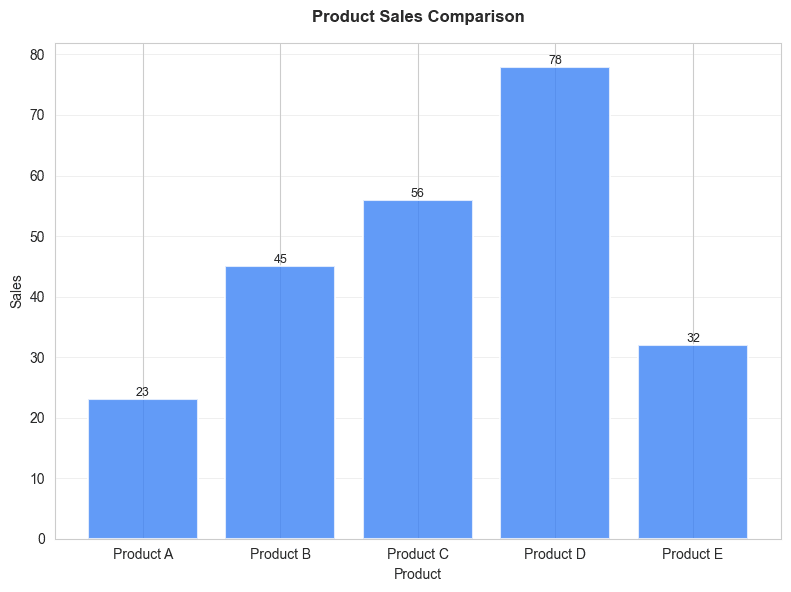
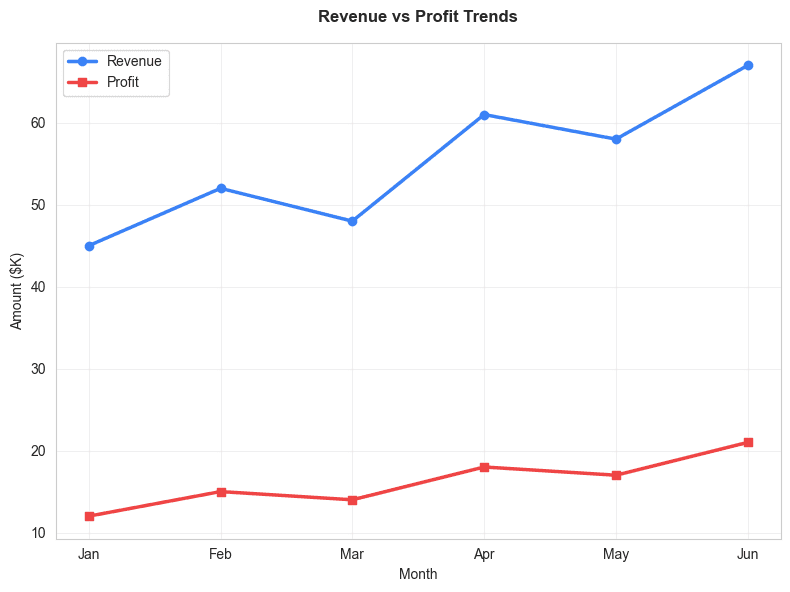
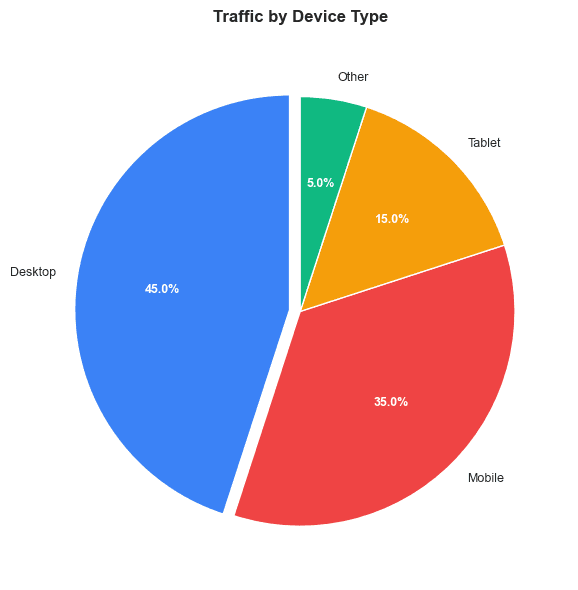
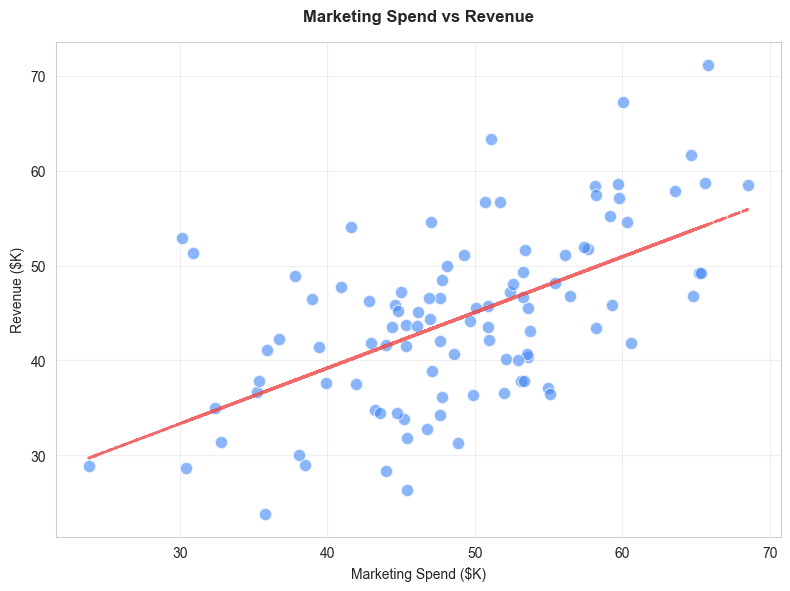
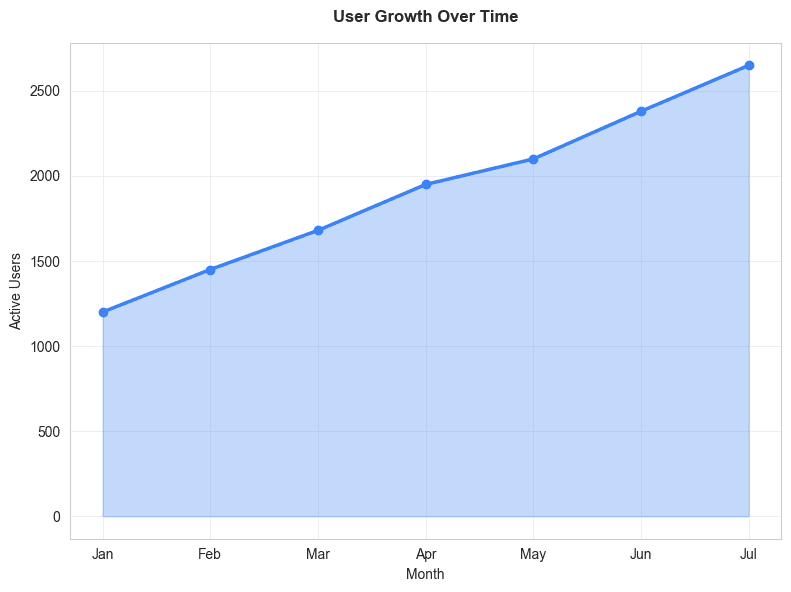
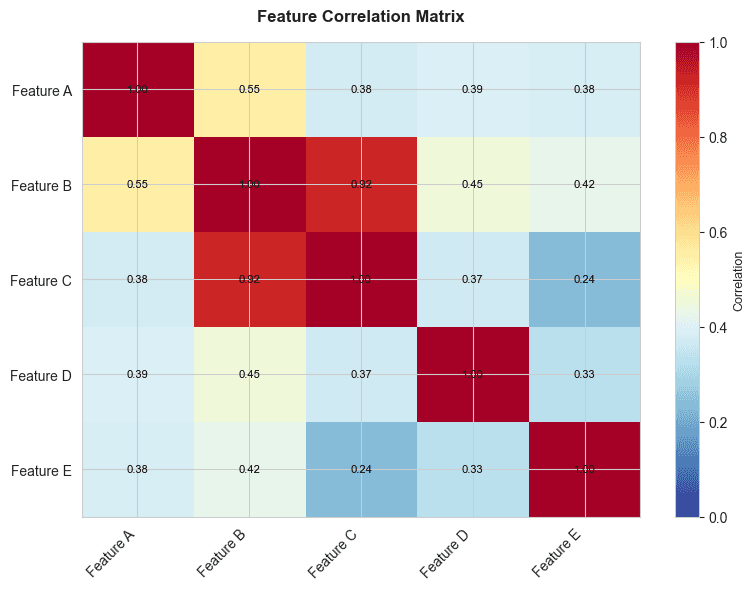
Data is rarely clean.
Charts shouldn't be this hard.
Most tools expect perfect data.
Instead, you're stuck fixing columns, removing errors, and fighting spreadsheets — just to create one simple chart.
How it works
CleanChart does the boring work for you
No setup. No formulas. No learning curve.
Upload your CSV or spreadsheet
Step 1 of 4Drag & drop file here
or click to browse
- Submit your thesis with charts that look like a pro made them
- Stop wasting hours reformatting spreadsheets — get your chart in under 5 minutes
- Upload your file, pick your chart, export. Done.
Reports
Need more than a chart? Get the report.
Once your chart is ready, CleanChart analyzes the same file and writes it up as a PDF: a one-page brief with the key figures, the top findings and a written summary, then charts, tables and a recommendation for every finding.
For Gantt charts
Project report
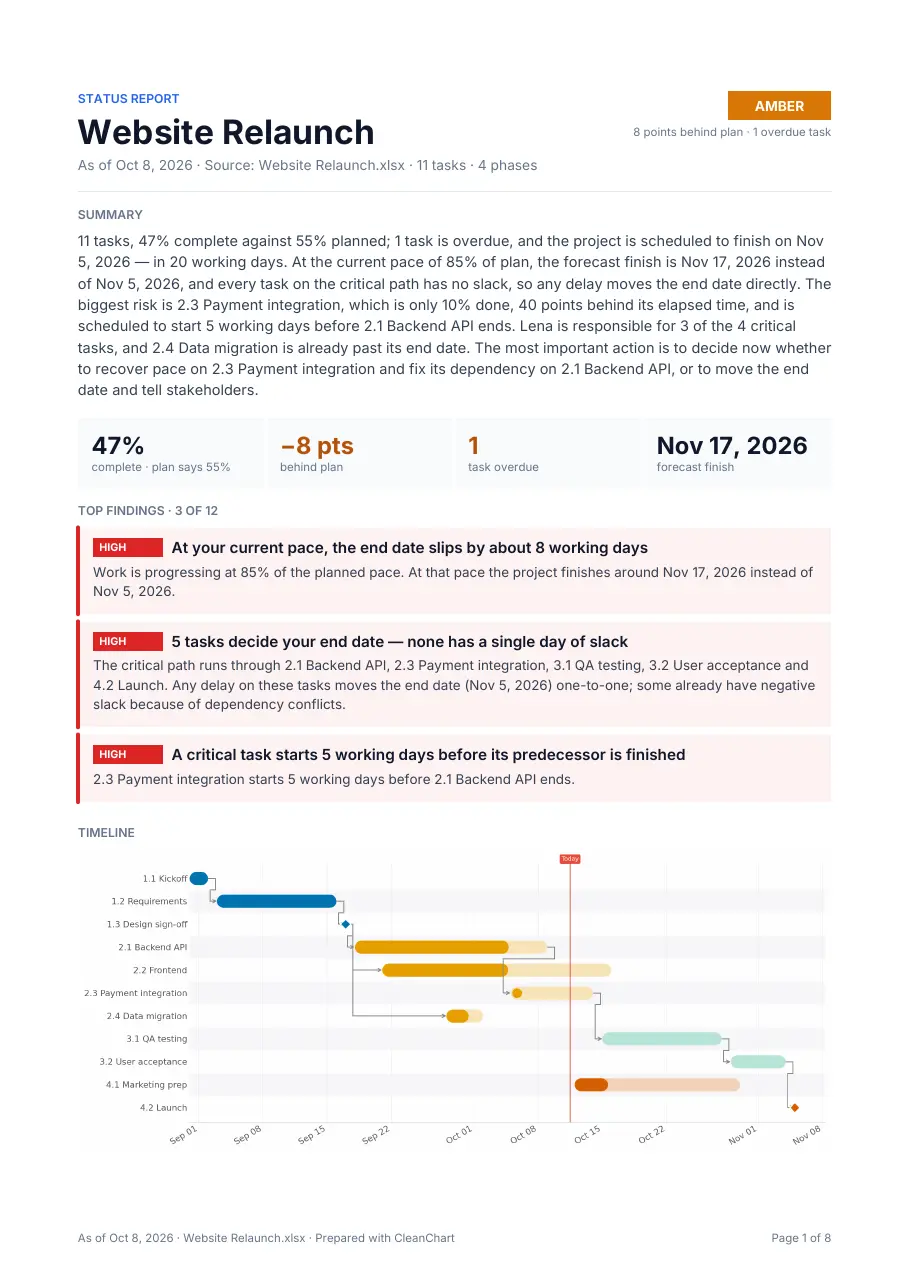
- Plan review from your task names and dates
- Critical path when your file has dependencies
- Status, variance and forecast finish when it has progress or status
- Workload by person when it has an owner column
For every other chart
Data report
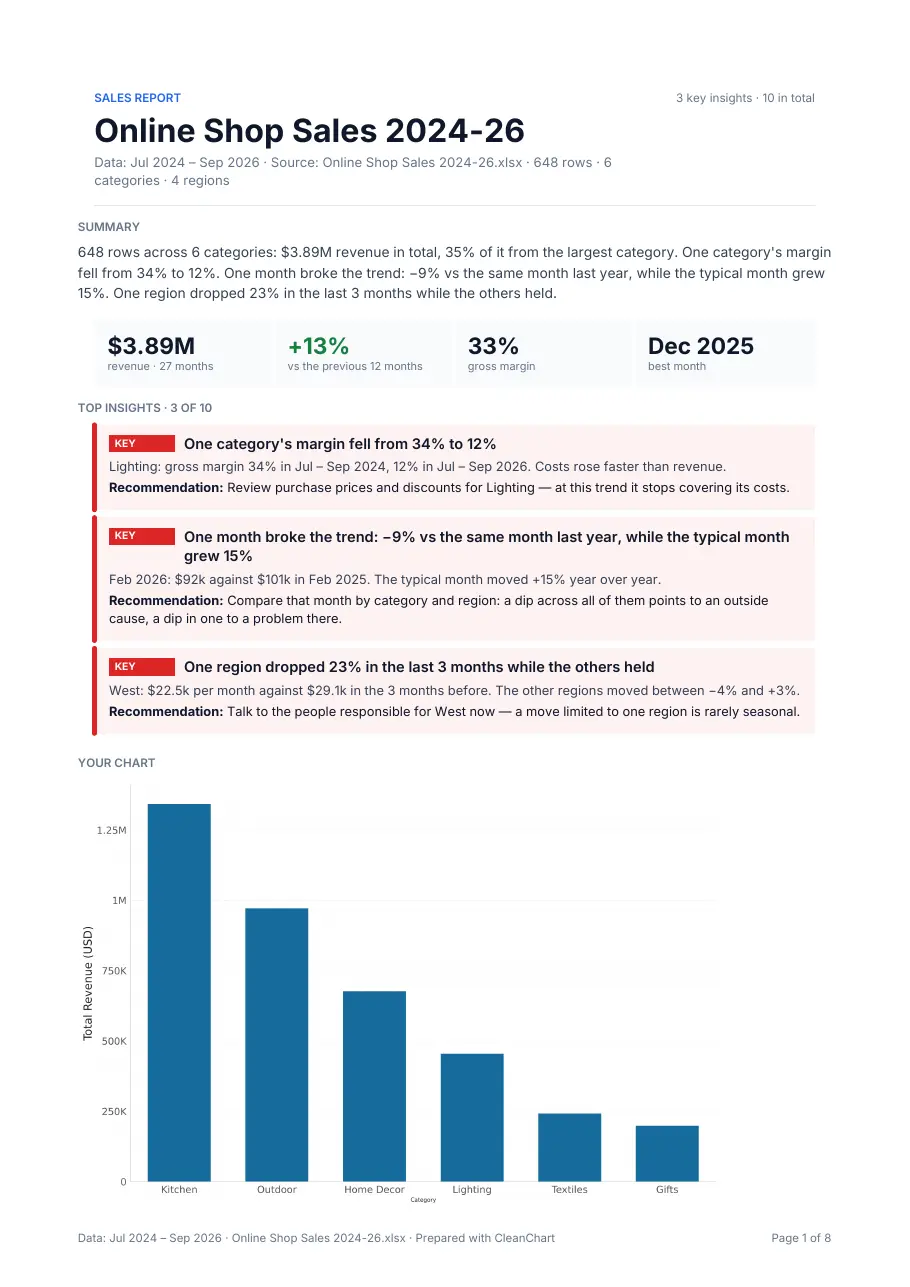
- Trends, seasonality and the months that broke the pattern
- Breakdowns: which category, region or product drives the total
- Outliers, missing values and other data-quality issues
- Named for your data: sales, budget, survey, marketing, operations and more
The preview is free and appears when your file has enough to report on. One report costs $2.99; reports are included in the 24h pass and the monthly plan.
Pricing
Simple, fair pricing
Free forever with a watermark. Pay only when you need a clean export or a report.
This chart only
One clean chart — no account needed
$0.99
/ chart
- Clean, watermark-free chart
- High-resolution PNG or SVG
- No sign-up required
Pay $0.99 after you preview it
24h Pass
Unlimited clean exports for 24 hours
$4.99
/ 24 hours
- Unlimited charts for 24 hours
- No watermark on any export
- All chart types & formats
- Project & data reports (PDF) included
Unlimited
Renews automatically each month — cancel anytime
$9.99
/ month
- Unlimited charts, every month
- No watermark, ever
- Project & data reports (PDF) included
- Cancel in one click
Free tier is unlimited — downloads include a small watermark and come at reduced resolution.
Pricing FAQ
Common questions about pricing and how CleanChart works
Get started free
Your chart, ready in seconds.
Free with watermark. No signup required.
Stay in the Loop
Get data visualization tips, chart tutorials, and product updates delivered straight to your inbox.